Video Editing with Premiere Pro (Self-Paced with Mentoring)
Learn to edit videos for YouTube, social media posts, and other projects using Premiere Pro, the leading video editing software for both professional and aspiring Video Editors.
This course is self-paced. For live online or in-person instruction, take Video Editing & Motion Graphics Live Online.
Learn to create professional-quality videos using Adobe Premiere Pro. In this course, you’ll build the skills needed to produce polished video projects, including importing footage, organizing media on a timeline, adjusting clip speed, applying color correction, and using other essential editing techniques. Whether you want to launch a YouTube channel, explore opportunities in the film industry, or elevate your TikTok content, this class gives you the foundation to begin.
No video editing experience? No problem! This program is designed for students with no prior editing or design background.
Became proficient in Java programming and computer science topics and knew nothing before. Would recommend!
—Zachary Waxman
We want you to leverage the skills you’ll learn. In addition to 20 hours of hands-on, self-paced training, you’ll receive one live 1-on-1 training session where you can:
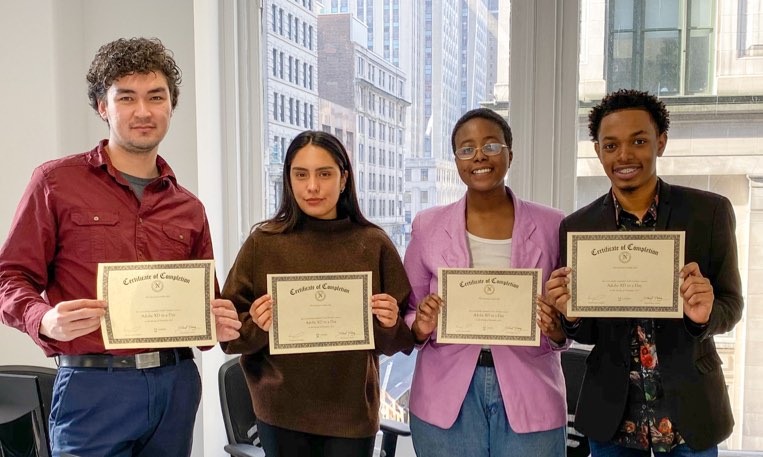
Upon completion of this course, you’ll receive an official certificate testifying to your mastery of the curriculum. We’ll send you a link where you can download your certificate, share it online with your friends, post it to your professional network on LinkedIn, and view all your earned certificates. Congratulations on your achievement!
Shareable on
Yes, this course is open to beginners. Students must be comfortable using a computer. No other prior knowledge is required.
This course does not qualify for payments plans or student financing. See our Payment Plan FAQ to find related programs that qualify.
This course is available for 30 days.
You can choose when to start your access period. Once you activate, you will have 30 days to complete it (access the course materials, quizzes, projects and videos). You may request one extension of seven (7) days. Other extension requests will be evaluated on a case-by-case basis. Videos are not downloadable.
For this course, you are entitled to a 90% refund (your payment less the nonrefundable 10% registration fee) within 30 days of purchase if you have not accessed the course materials.
There are no extra fees or taxes for our courses. The price you see on this page is the maximum you’ll pay us.
We don’t currently offer discounts as we do our best to affordably prices our courses.
These related courses share skills and topics with Video Editing with Premiere Pro (Self-Paced with Mentoring). Select up to two and tap Compare selected courses to view a side-by-side comparison.
Edit video projects and make your own animations in this hands-on summer course.
In this graphic design program for High School students, you'll master the most powerful tools in graphic design: Adobe Illustrator, InDesign, and Photoshop.
Make eye-catching animations and dazzling visual effects with Adobe After Effects.
Edit videos for YouTube, social media posts, and other projects with Premiere Pro: the top video editing app for professional and emerging Video Editors.
The first installment is due one week before the first class. Subsequent installments are spread out evenly across the duration of the course.
| Installments | |
|---|---|
| 10% non-refundable deposit | |
| $1,299.00 | Total You Pay |